Get Updates
Get notified on the latest car launches, bike deals, and insights!


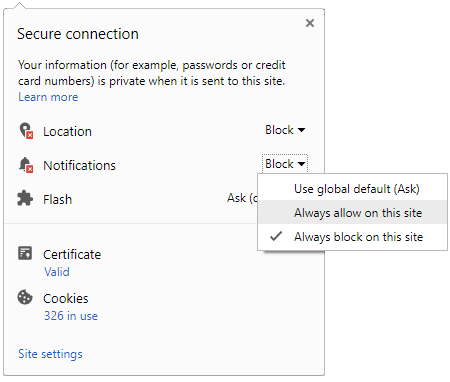
 Click it and Unblock the Notifications
Latest Auto & Bike News
-
 Lockheed Martin L1011 Tristar Emerges As New Diving Attraction In The Red Sea
-
 Toyota Sales Breakup For The Month Of March 2024 – Hycross & Hyryder Leads The Charge
-
 Upcoming Mahindra XUV3XO: New Interior Features Showcased
-
 Tata Zing: The Project Of Affordable Mobility By Tata Motors
-
 Royal Enfield Sales Breakup For The Month Of March 2024 – 650 Twins Sales Improve
-
 Hyundai Aura Achieves Remarkable 29% Sales Growth In March 2024, Becomes India's Second Best-Selling Sedan
-
 BYD Seal Video Review: Supercar-Baiting Sedan With 580km Range
-
 InterGlobe Enterprises Set To Revolutionize Urban Mobility With Electric Air Taxis By 2026
-
 BYD Seal Review: Sealing The Deal?
-
 Evotron Motorsports' Bengaluru EV Festival: Bringing In Electric 2-Wheeler Racing
-
 Ensuring Car Fitness Ahead Of A Road Trip: Top Tips & Tricks You Need To Know
-
 How To Check Car Suspension – Top Tips You Need To Know
-
 Next-Gen Maruti Suzuki Dzire To Get More Features & Unique Styling – Check Out All The Details Here
-
 Tata Altroz Records a 55% Sales Growth in March 2024
-
 Ola Electric Hits New Milestone – 500th Service Centre Opened In Kochi
-
 What Are Airbags: Things To Do & Things Not To Do
-
 Tesla CEO Elon Musk's Much-Awaited Visit to India Deferred, Leaving Questions Unanswered
-
 Ford Mustang 60th Anniversary Package – Limited To Just 1,965 Units


Notifications
Settings
Clear Notifications Notifications
Use the toggle to switch on notifications
- Block for 8 hours
- Block for 12 hours
- Block for 24 hours
- Don't block

Log in for Better Reading Experience!
 Continue with Google
By signing in, you agree to our Terms and Privacy Policy
Gender
Select your Gender
- Male
- Female
- Others
Age
Select your Age Range
- Under 18
- 18 to 25
- 26 to 35
- 36 to 45
- 45 to 55
- 55+